Why Your Listing Photos Aren't Getting Clicks (And How to Fix It Fast)
Rafi Baig
February 4, 2026 · 10 min read
The most common reason listing photos don't get clicks is that they fail the "scroll-stop" test—buyers decide in under 0.5 seconds whether to tap or swipe past. Empty rooms, poor lighting, low resolution, and generic compositions are the biggest culprits. The fix? Better photography fundamentals combined with AI virtual staging to make every listing look move-in ready.
If your listings are sitting with low views and no showings, the problem usually isn't the price. It's the photos.
According to the National Association of Realtors, 97% of homebuyers start their search online. Your listing photos are the first impression—and for many buyers, the only impression. If the images don't stop the scroll, nothing else matters.
Let's break down exactly why your photos are underperforming and what to do about it.
Table of Contents
- The 0.5-Second Rule: Why First Impressions Are Everything
- Mistake #1: Listing Vacant or Empty Rooms
- Mistake #2: Bad Lighting and Dark Photos
- Mistake #3: Low Resolution or Blurry Images
- Mistake #4: Too Many Photos (Or Too Few)
- Mistake #5: Wrong Photo Order on MLS
- Mistake #6: No Lifestyle Story
- Mistake #7: Ignoring Mobile Optimization
- How AI Virtual Staging Fixes Multiple Problems at Once
- FAQ
The 0.5-Second Rule: Why First Impressions Are Everything
Buyers scroll through listings the same way they scroll through Instagram. Fast.
Research from Zillow and Redfin shows that the hero image—your first listing photo—determines whether a buyer clicks through or keeps scrolling. You have roughly half a second to earn that click.
This means your photos need to do three things instantly: show the property looks well-maintained, communicate livability, and create an emotional response. If any of those are missing, you lose the click.
Mistake #1: Listing Vacant or Empty Rooms
This is the single biggest click-killer in real estate. Empty rooms photograph terribly.
Without furniture, rooms look smaller than they are. Buyers can't gauge scale—is that bedroom big enough for a king bed? Is the living room awkward? Empty spaces feel cold and uninviting, which is the opposite of what you want when someone is imagining their future home.
According to the Real Estate Staging Association, staged homes sell 73% faster than unstaged homes. NAR reports that 83% of buyer agents say staging helps buyers visualize the property as their future home.
The fix is simple. If physical staging isn't in the budget (it rarely is at $2,500-5,000 per listing), use AI virtual staging. Platforms like StageChimp can fill an empty room with photorealistic furniture in under 30 seconds for less than $1 per image.
You can even stage the same room multiple ways—show it as a home office, nursery, or guest bedroom—so different buyers see different possibilities.
Related Reading
- How to Sell a Vacant Home Fast: 7 Proven Strategies for 2026
- Virtual Staging vs Physical Staging: Which Is Right for Your Listing in 2026?
Mistake #2: Bad Lighting and Dark Photos
Dark photos are the second biggest reason listings underperform. If a buyer can't see the room clearly, they assume the worst.
Common lighting mistakes include shooting with all the blinds closed, mixing natural and artificial light (which creates weird color casts), and photographing at the wrong time of day. Harsh midday sun creates blown-out windows and deep shadows. Overcast mornings or golden hour are ideal.
Quick fixes that cost nothing: open every blind and curtain, turn on every light in the house, and shoot during the brightest part of the day. If you're using a phone, enable HDR mode so the camera balances bright windows with darker interiors.
For photos you've already taken that are too dark, many AI staging tools including StageChimp can enhance lighting and brightness when staging a room. The AI doesn't just add furniture—it optimizes the overall image quality.
Mistake #3: Low Resolution or Blurry Images
This one should be obvious, but it's still everywhere on MLS.
Blurry photos happen when agents use their phone without stabilization, shoot in low light without a tripod, or upload heavily compressed images. Low resolution becomes a problem when buyers zoom in—which they always do—and the image turns into a pixelated mess.
MLS platforms accept images up to 4096 pixels wide. If you're uploading anything less than 2000 pixels, you're leaving quality on the table. Zillow and Redfin's internal algorithms also favor higher-resolution images, giving them more visibility in search results.
When virtually staging, resolution matters even more. Cheap staging tools output blurry results that scream "fake." StageChimp delivers 4K resolution on paid plans, so staged images look sharp even when zoomed in on a 65-inch TV.
Mistake #4: Too Many Photos (Or Too Few)
More photos doesn't mean more clicks. In fact, uploading every shot you take often hurts engagement.
Listings with 15-25 high-quality photos perform best. Fewer than 10 and buyers feel like you're hiding something. More than 30 and you get "scroll fatigue"—buyers tune out halfway through and miss your best features.
The real problem is redundancy. Three photos of the same kitchen from slightly different angles don't add value. One great hero shot of each room, plus lifestyle angles that show flow and livability, is the winning formula.
Quality beats quantity every time. Five staged, well-lit, high-resolution photos will outperform 40 dark, empty-room snapshots.
Related Reading
- 27 Home Staging Statistics Every Real Estate Agent Needs to Know in 2026
- Virtual Staging Statistics 2026: The Definitive Data
Mistake #5: Wrong Photo Order on MLS
Your hero shot—the first image buyers see in search results—makes or breaks the click.
Too many agents lead with a generic front exterior shot when the home's best feature is the kitchen, backyard, or open-concept living room. Think about what makes this property special and lead with that.
The optimal photo sequence follows a logical flow: hero shot (best feature), front exterior, main living area, kitchen, primary bedroom, primary bathroom, additional rooms, backyard/outdoor spaces, and neighborhood context. Guide the buyer through the home the same way you'd walk them through a showing.
Most MLS platforms let you reorder photos after upload. Take five minutes to get the sequence right. It's one of the highest-ROI actions you can take.
Mistake #6: No Lifestyle Story
Empty rooms don't tell a story. Neither do photos that show just walls and floors.
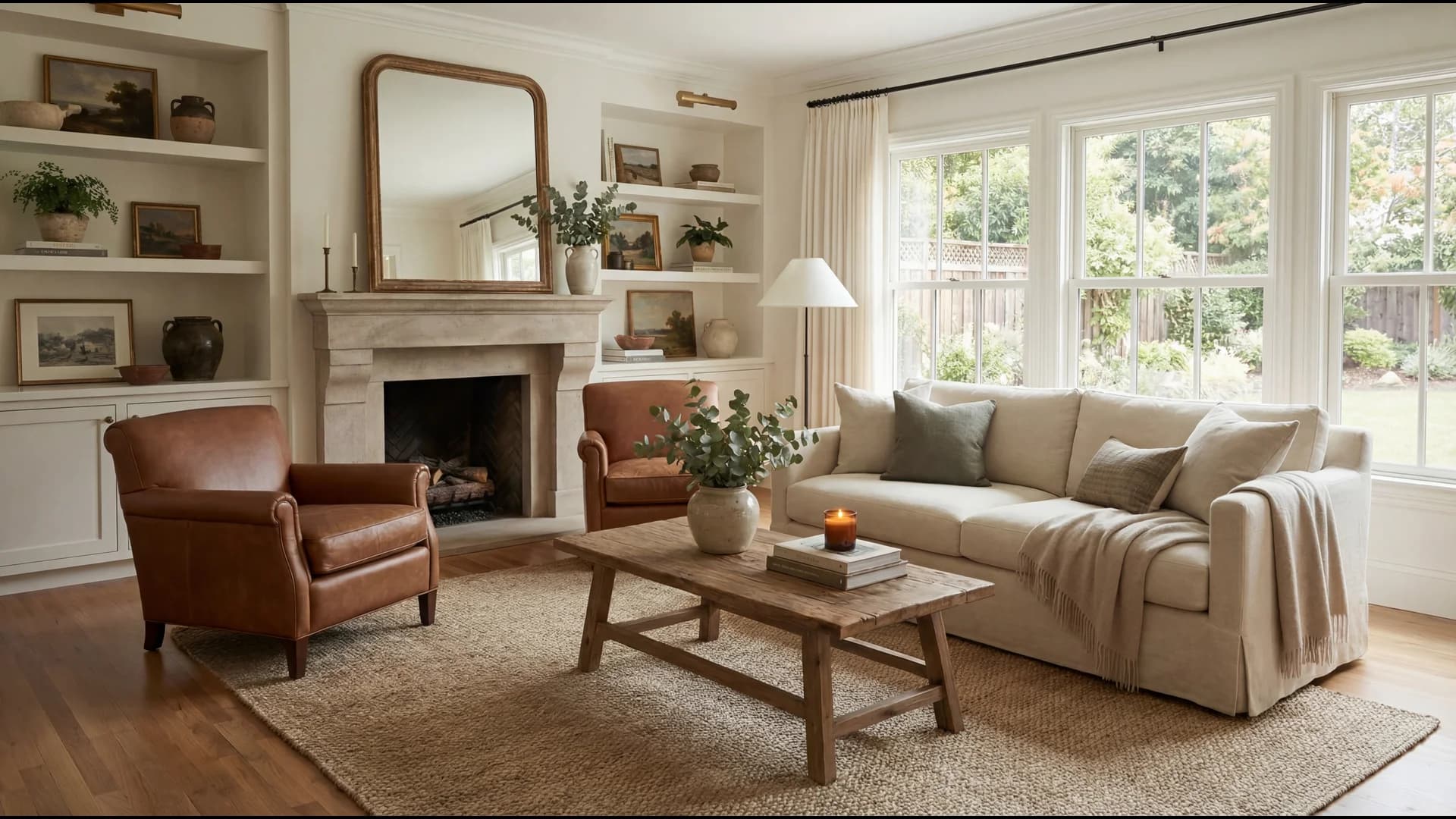
The listings that get the most clicks create an emotional narrative. A staged dining room with a set table makes buyers imagine hosting Thanksgiving. A staged home office with a bookshelf and desk makes remote workers see their daily routine. A staged kids' room makes parents feel like the home is ready for their family.
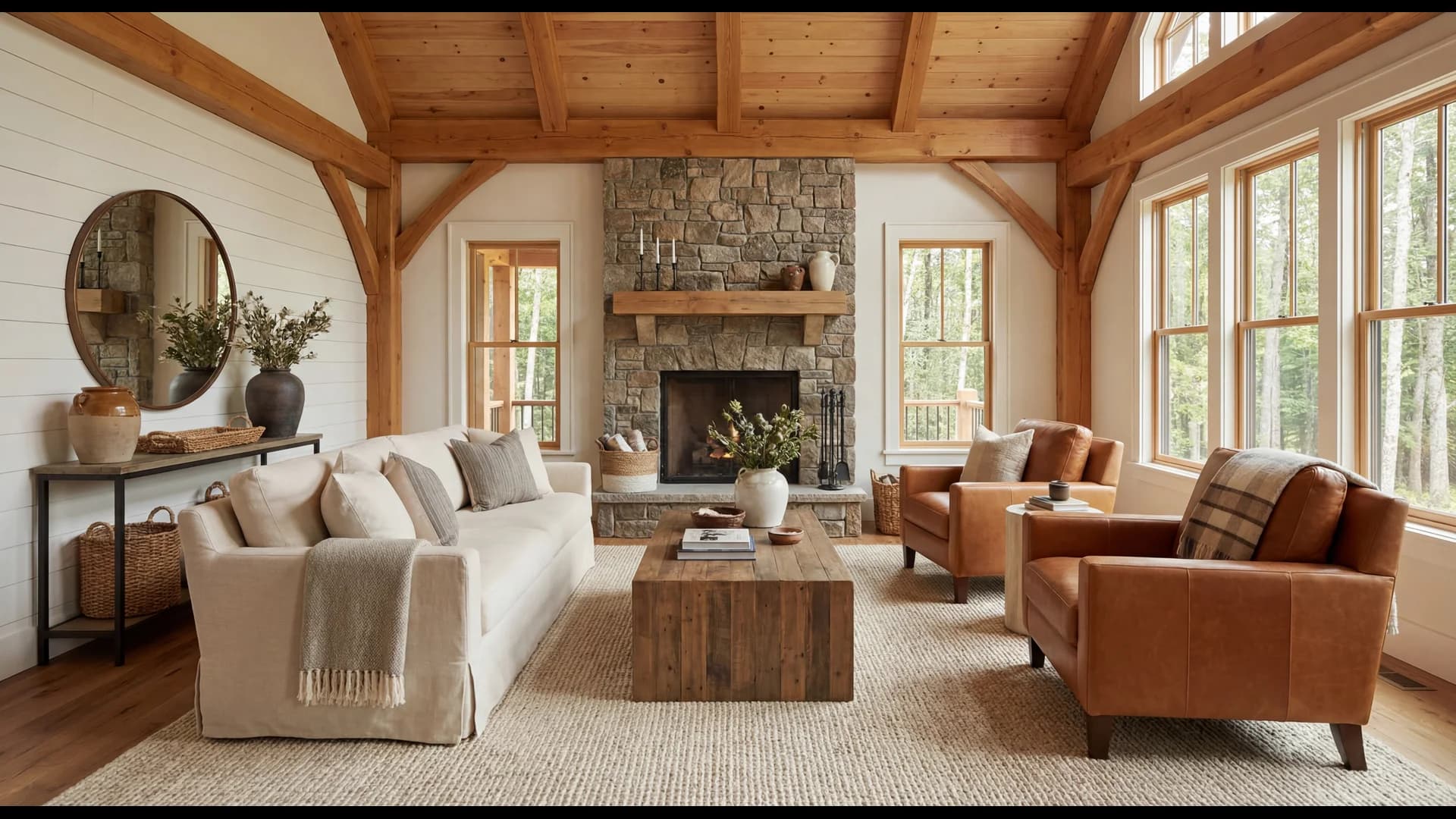
This is where AI virtual staging becomes a strategic tool, not just a cosmetic one. With StageChimp, you can test different staging styles in seconds—Modern, Farmhouse, Scandinavian, Luxury—and match the aesthetic to your target buyer demographic.
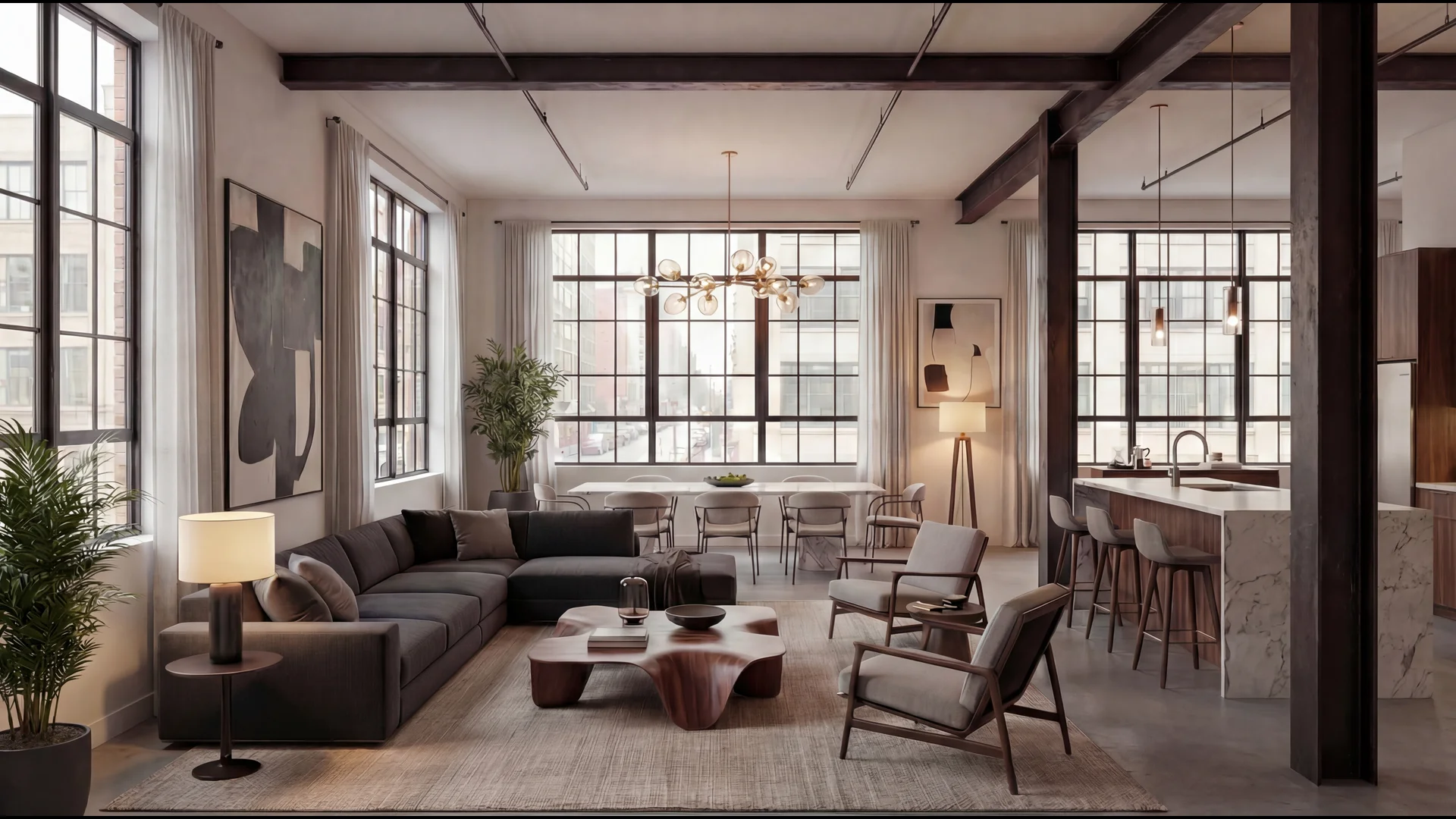
Selling a downtown loft? Stage it as a sleek bachelor pad. Selling a suburban colonial? Stage it as a warm family home. The furniture tells the story that empty rooms can't.
Mistake #7: Ignoring Mobile Optimization
Over 90% of homebuyers start their search on mobile devices. If your photos don't look good on a phone screen, they don't look good.
This means small details that look fine on a desktop—cluttered countertops, messy wires, personal items—become distracting eyeballs on a 6-inch screen. Composition needs to be clean and uncluttered.
Vertical photos are also becoming more important as platforms like Instagram, TikTok, and even some MLS apps shift toward vertical-first browsing. Consider shooting both horizontal (for MLS) and vertical (for social media marketing).
When staging virtually, make sure the output resolution is high enough to hold up across all devices. StageChimp's 4K output ensures images look sharp on everything from phone screens to smart TVs.
Related Reading
- 9 Real Estate Marketing Trends Dominating 2026
- The Best AI Virtual Staging Software for Real Estate in 2026
How AI Virtual Staging Fixes Multiple Problems at Once
Here's why AI staging is the single highest-leverage fix for underperforming listing photos.
It solves the empty room problem. Fill vacant rooms with photorealistic furniture in seconds. No movers, no rental fees, no coordination.
It improves perceived quality. AI staging enhances lighting, adds warmth, and makes rooms feel livable—even if the original photo was mediocre.
It creates lifestyle stories. Different staging styles tell different stories to different buyers. Test Modern, Farmhouse, or Luxury in seconds.
It's fast enough to fix mistakes. Realize your photos are underperforming after the listing goes live? Restage with AI and update the MLS in minutes, not days.
It costs almost nothing. StageChimp's free tier gives you 5 images per month. Paid plans start at $19/month for 20 images—under $1 per photo. Compare that to $2,500+ for physical staging.
The math is simple. If better photos get you even one additional showing, the ROI on a $19/month staging tool is astronomical.
Related Reading
- How to Virtually Stage a Listing Photo in Under 10 Minutes
- 7 Best Virtual Staging Software Tools for Real Estate in 2026
- The Complete Guide to Virtual Staging for Real Estate in 2026
FAQ
Why are my listing photos not getting clicks?
The most common reasons are empty/unstaged rooms, poor lighting, low resolution, wrong photo order on MLS, and too many mediocre photos instead of fewer high-quality ones. Fixing these issues—especially staging vacant rooms—can dramatically increase click-through rates.
How many photos should a real estate listing have?
The optimal range is 15-25 high-quality photos. Fewer than 10 makes buyers suspicious, more than 30 causes scroll fatigue. Focus on one strong hero shot per room rather than multiple redundant angles.
What should the first listing photo be?
Your first photo (hero shot) should showcase the property's best feature—not necessarily the front exterior. If the kitchen, living room, or backyard is the standout feature, lead with that. The hero shot determines whether buyers click through from search results.
Does virtual staging increase listing clicks?
Yes. Staged listings receive significantly more online views than vacant listings. According to NAR, 83% of buyer agents say staging helps buyers visualize properties. Virtually staged photos stop the scroll by showing furnished, livable spaces instead of empty rooms.
How can I improve my listing photos without hiring a photographer?
Open all blinds and turn on all lights, shoot during the brightest time of day, use HDR mode on your phone, declutter every surface, and use AI virtual staging to furnish empty rooms. These steps cost little to nothing and can dramatically improve photo quality.
What resolution should listing photos be?
Upload the highest resolution possible—MLS platforms accept up to 4096 pixels wide. Higher resolution images look sharper when buyers zoom in and may receive more visibility from Zillow and Redfin's search algorithms.
Your Photos Are Your Marketing. Make Them Count.
Every listing you publish is competing against dozens of others in the same market. The difference between getting clicks and getting ignored usually comes down to photo quality.
The good news? Most of these fixes are fast, free, or nearly free. Better lighting costs nothing. Better photo order takes five minutes. And AI virtual staging costs less than $1 per image.
Stop losing clicks to empty rooms and dark photos. Stage smarter, list faster, sell sooner.
Try StageChimp free → Stage your first room in 30 seconds
Sources:
- National Association of Realtors, 2025 Profile of Home Staging
- Real Estate Staging Association, 2024 Data & Statistics
- Redfin, Common Listing Photo Mistakes Research
- VHT Studios, Professional Photography Impact Data
Last updated: February 2026
Ready to transform your listings?
Start staging your photos in seconds with AI-powered virtual staging.
Try StageChimp Free