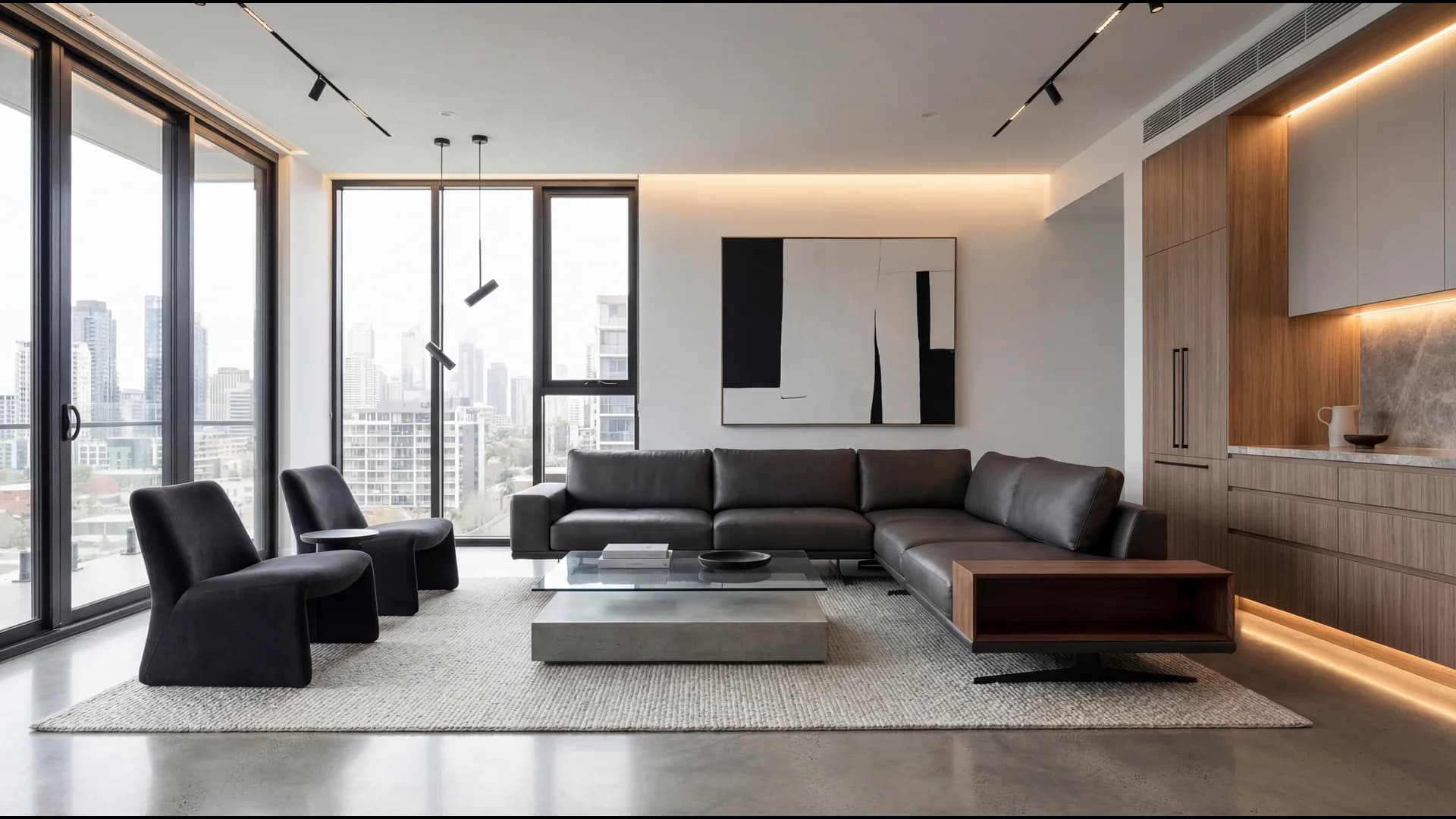
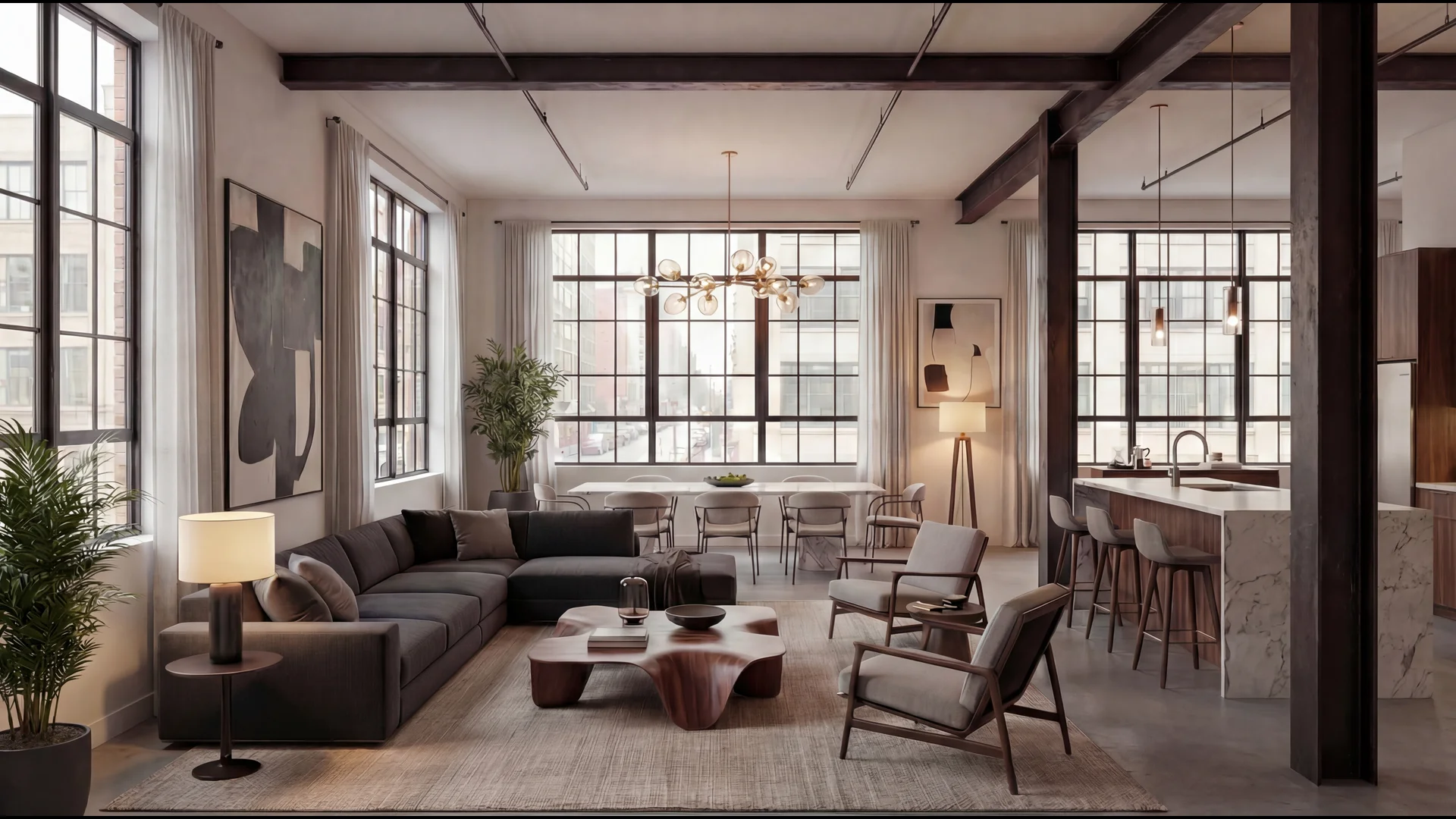
The Complete Guide to Virtual Staging for Real Estate in 2026
Rafi Baig
January 5, 2026 · 19 min read
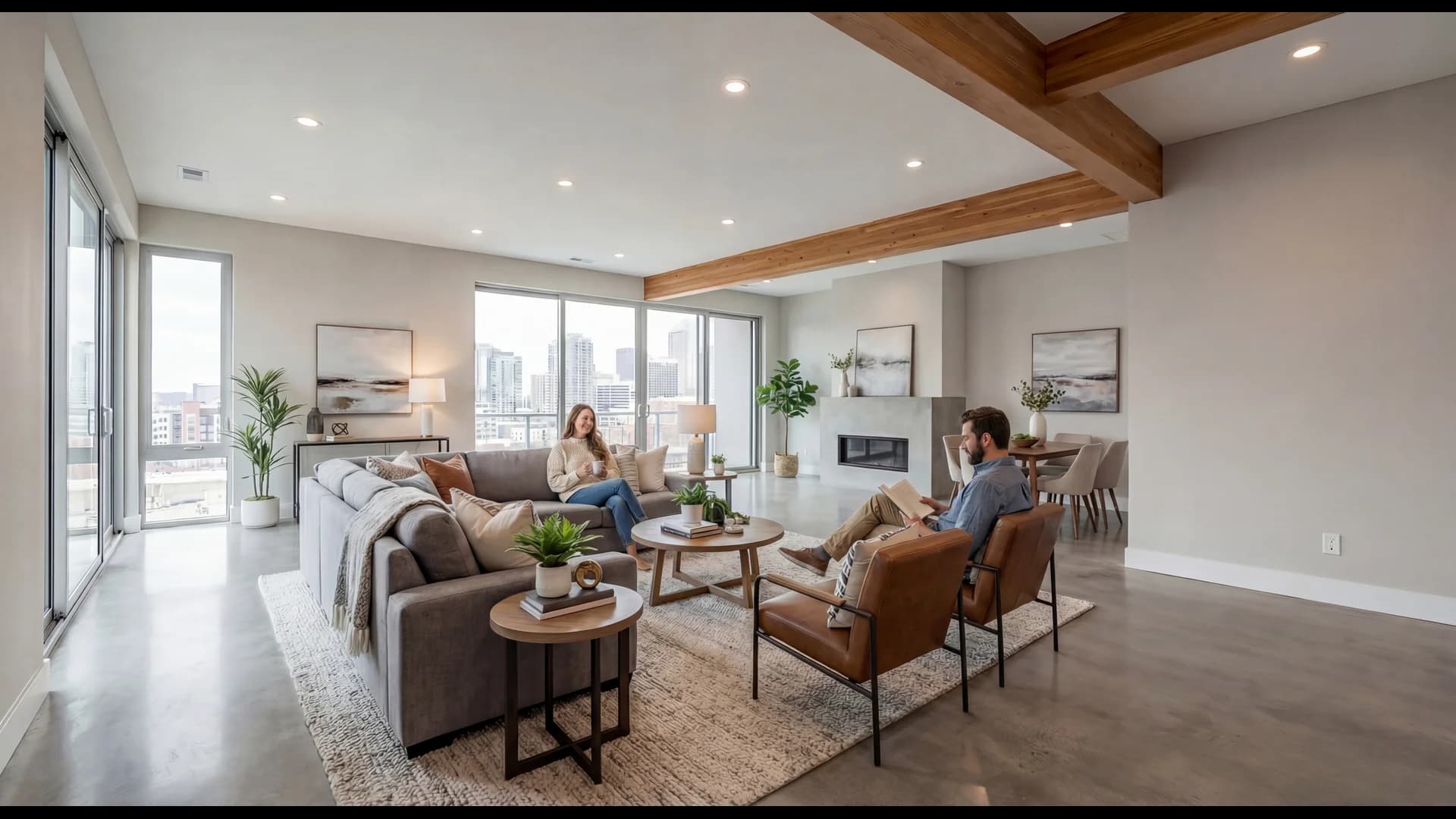
Virtual staging is the process of digitally adding furniture, decor, and design elements to photos of empty rooms, allowing real estate agents to present properties in their best light without the cost, time, or logistics of physical staging. According to the National Association of Realtors' 2025 Profile of Home Staging, 83% of buyers' agents report that staging helps buyers visualize a property as their future home—and with virtual staging now costing up to 97% less than traditional staging, it has become the go-to solution for agents who want to maximize listing appeal without breaking the budget.
This comprehensive guide covers everything real estate professionals need to know about virtual staging in 2026: how it works, when to use it, how it compares to physical staging, compliance requirements, and how to choose the right software for your business.
What Is Virtual Staging?
Virtual staging uses advanced software—increasingly powered by artificial intelligence—to digitally furnish and decorate photographs of empty rooms. The technology has evolved dramatically since its early days of obvious, CGI-looking furniture pasted onto photos. Modern AI-powered virtual staging produces photorealistic results that are often indistinguishable from photographs of physically staged homes.
The concept is simple: you upload a photo of an empty room, select a design style (modern, traditional, farmhouse, minimalist, etc.), and the software generates a fully staged version of that room. What once required professional graphic designers and hours of manual editing can now be accomplished in under 30 seconds with the latest AI tools.
Virtual staging serves the same fundamental purpose as physical staging: helping buyers emotionally connect with a property by showing them how spaces can be used. The difference lies entirely in the method of execution—digital versus physical—and the dramatic cost and time savings that digital provides.
The Evolution of Virtual Staging Technology
Virtual staging has gone through three distinct generations:
First Generation (2010-2018): Manual editing by graphic designers using Photoshop and 3D rendering software. Results were often inconsistent, turnaround times ranged from 24-72 hours per image, and costs ran $100-300 per photo. Quality varied significantly based on the individual designer's skill.
Second Generation (2018-2023): Semi-automated tools that provided furniture libraries and simplified editing interfaces. These reduced costs to $30-75 per image and turnaround to 24-48 hours, but still required significant manual work and produced results that sometimes looked artificial.
Third Generation (2023-Present): AI-powered staging that analyzes room dimensions, lighting, and architecture to automatically place appropriately scaled, realistically lit furniture. Modern AI staging delivers results in under 30 seconds at costs as low as $1-5 per image, with quality that matches or exceeds professional manual editing.
This evolution has transformed virtual staging from a niche service used primarily for luxury listings into a standard tool accessible to every agent at every price point.
How Virtual Staging Works
Understanding the technology behind virtual staging helps agents use it more effectively and set appropriate expectations for results.
The AI Staging Process
Modern AI virtual staging follows a sophisticated workflow:
1. Room Analysis: The AI examines the uploaded photo to identify the room type (living room, bedroom, kitchen, etc.), architectural features (windows, doors, fireplaces), existing elements that should be preserved, lighting direction and intensity, and room dimensions and perspective.
2. Style Matching: Based on the selected design style, the AI accesses a library of furniture and decor that fits the aesthetic. High-quality platforms maintain libraries of thousands of items across dozens of styles, ensuring variety and preventing the "same furniture in every listing" problem that plagued earlier solutions.
3. Intelligent Placement: The AI calculates appropriate furniture placement based on room flow and functionality, scale relative to room dimensions, proper perspective matching to the photo's angle, realistic shadows and lighting that match the original image, and design principles like focal points and traffic flow.
4. Rendering: The final image is rendered with furniture seamlessly integrated into the scene, including accurate reflections, shadows, and color matching to create a photorealistic result.
What You Need for Best Results
The quality of your virtual staging depends significantly on the quality of your input photos. For optimal results, photograph empty rooms with wide-angle lenses (16-24mm equivalent) to capture full room context. Shoot during daylight hours with lights on to maximize natural lighting. Keep the camera level—tilted photos produce distorted staging results. Ensure the room is clean and free of debris, personal items, or distracting elements. Capture the room's best angles, typically from corners or doorways.
Professional real estate photographers already follow these guidelines, making their photos ideal for virtual staging. If you're shooting photos yourself, these same principles apply.
Virtual Staging vs. Physical Staging: A Complete Comparison
The choice between virtual and physical staging isn't always straightforward. Each approach has distinct advantages depending on the situation.
Cost Comparison
The cost difference between virtual and physical staging is substantial. Virtual staging costs $5-50 per room compared to $500-800 for physical staging. For a whole home with five rooms, virtual staging runs $25-250 versus $2,500-4,000 for physical staging. Physical staging also incurs monthly rental fees of $500-800 that virtual staging eliminates entirely. Revisions with virtual staging are often free, while physical staging changes cost $100-300 or more. And when it's time to remove the staging, virtual costs nothing while physical removal runs $200-400.
According to The Zebra's research, virtual staging can reduce staging costs by up to 97% compared to traditional methods. For agents staging multiple listings or working with sellers who have limited budgets, this cost difference is transformative.
Time Comparison
Physical staging requires coordination, scheduling, and physical setup. Virtual staging delivers results in 30 seconds to 48 hours, while physical staging takes 3-7 days. Virtual staging requires no scheduling and no property access—just photos. Making changes takes minutes with virtual staging versus days with physical. And when it's time to remove the staging, virtual is instant while physical takes 1-2 days.
For agents in fast-moving markets where listings need to go live quickly, virtual staging's speed advantage can mean the difference between capturing the first wave of buyer interest and missing it entirely.
Quality and Effectiveness
Both staging methods effectively help buyers visualize properties, but they differ in execution:
Virtual Staging Advantages: Virtual staging offers unlimited style variations from a single photo, allowing you to appeal to different buyer demographics. There's no wear and tear on staged items and no concerns about furniture damage or theft. You gain the ability to show multiple room uses (home office, nursery, guest room) from the same empty space. Results remain consistent across all listings since they're not dependent on available furniture inventory. Virtual staging also allows instant updates if design trends change or feedback suggests different styling.
Physical Staging Advantages: Physical staging creates a tactile experience during in-person showings and provides three-dimensional depth that photos can't fully capture. It may have stronger emotional impact for luxury buyers who expect high-touch service. There's no disclosure required in most markets (though virtual staging disclosure is becoming standard) and it works for video walkthroughs and virtual tours without additional editing.
When to Choose Each Option
Choose virtual staging when: The property is vacant, the budget is limited, you need fast turnaround, the listing will be marketed primarily online, or the property is in a standard price range where staging ROI matters most.
Choose physical staging when: The property is occupied (owner-occupied staging consultations), you're dealing with ultra-luxury listings where buyers expect premium presentation, the local market strongly prefers physical staging, or the property has unusual features that benefit from physical demonstration.
Consider both when: Marketing luxury properties where virtual staging previews the listing and physical staging enhances showings, or when testing different furniture styles virtually before committing to physical staging.
The ROI of Virtual Staging
Virtual staging's return on investment is compelling when examined through hard data.
Impact on Sale Price
According to the National Association of Realtors' 2025 Profile of Home Staging, 29% of real estate agents reported that staging led to offers 1-10% higher than comparable unstaged homes. For a $500,000 listing, even a 5% increase represents $25,000 in additional value.
The Real Estate Staging Association reports that 75% of sellers who staged their homes saw an ROI of 5-15% over the asking price. While these statistics include physical staging, the visual impact of virtual staging produces similar buyer responses—the brain processes staged photos the same way regardless of whether the staging is physical or digital.
Impact on Days on Market
Almost half (49%) of sellers' agents observed that staging reduced the time homes spent on the market, according to NAR's 2025 report. The Real Estate Staging Association has found that staged homes spend an average of 73% less time on the market compared to unstaged properties.
Reducing days on market has compounding benefits: lower carrying costs for sellers, reduced price reduction pressure, and faster commission realization for agents.
The Mathematics of Virtual Staging ROI
Consider this calculation for a $400,000 listing:
Without staging: Average 45 days on market, final sale at $392,000 (2% below list due to price reduction)
With virtual staging ($150 investment): Average 15 days on market, final sale at $400,000 (at or above list)
The $150 virtual staging investment potentially returns $8,000 in sale price preservation plus carrying cost savings for the seller. That's a 5,233% ROI.
Even in scenarios where staging doesn't increase the sale price, the reduction in days on market alone often justifies the minimal investment in virtual staging.
What Rooms Should You Virtually Stage?
Not every room requires staging, and strategic staging maximizes impact while minimizing costs.
Priority Rooms (Stage First)
According to NAR's 2025 data, buyers and agents rank room importance for staging as follows:
Living Room (37% of buyers say most important): The living room is the emotional center of the home. It's typically the first interior photo buyers see in listings and sets the tone for the entire property. Always stage the living room.
Primary Bedroom (34% of buyers say most important): The primary bedroom is where buyers imagine starting and ending each day. An empty primary bedroom feels cold and fails to convey the retreat-like atmosphere buyers seek.
Kitchen (23% of buyers say most important): Kitchens are trickier to virtually stage because cabinetry and appliances are already present. Focus on adding lifestyle elements: fruit bowls, cutting boards, plants, and coordinated accessories that make the space feel lived-in.
Secondary Priority Rooms
Dining Room: If the property has a dedicated dining room, staging it helps buyers visualize hosting gatherings and everyday meals.
Home Office: Post-2020, home office space has become a major selling point. If a room can function as an office, showing it staged as one appeals to remote workers.
Outdoor Spaces: Patios, decks, and backyards benefit significantly from staging that shows outdoor furniture, creating an additional "living space" that extends the home's appeal.
Rooms to Skip
Guest Bedrooms: NAR data shows only 7% of buyers consider guest bedroom staging important. A clean, empty guest room is sufficient.
Bathrooms: Bathrooms are difficult to stage virtually and rarely benefit from it. Clean, well-photographed bathrooms don't need staged towels and accessories.
Closets and Storage: Buyers want to see storage space, not staged storage. Empty closets photograph better than staged ones.
MLS Compliance and Virtual Staging Disclosure
One of the most common concerns agents have about virtual staging is whether it's allowed and what disclosures are required.
Is Virtual Staging Allowed on MLS?
Yes, virtual staging is permitted on virtually all MLS platforms in the United States. However, most MLS systems require disclosure that photos have been virtually staged. This disclosure protects buyers from confusion and protects agents from misrepresentation claims.
The National Association of Realtors supports virtual staging as a legitimate marketing tool while emphasizing the importance of transparency. NAR's guidance specifies that virtual staging should enhance visualization, not misrepresent the property's actual condition.
Disclosure Requirements
Most MLS platforms require one or more of the following:
Photo Caption Disclosure: Adding "Virtually Staged" or "Digital Staging" to photo captions.
Listing Description Disclosure: Including a statement in the property description noting that some photos are virtually staged.
Watermark on Images: Some MLS systems require a visible watermark on virtually staged photos.
What You Cannot Do
Virtual staging crosses into misrepresentation when it:
Hides defects: You cannot digitally remove water stains, cracks, or damage that would be visible in person.
Alters the property: You cannot digitally add windows, remove walls, change flooring, or modify the actual structure.
Misrepresents the view: You cannot replace the actual view from windows with a different, more desirable view.
Removes permanent fixtures: You cannot digitally remove built-ins, appliances, or fixtures that will remain with the property.
The rule is simple: virtual staging adds furniture and decor that wouldn't come with the property anyway. It doesn't change or hide anything about the property itself.
Sample Disclosure Language
Include language like this in your listings:
"Photos have been virtually staged to help buyers visualize the home's potential. The property is being sold unfurnished. Furniture shown in photos is not included in the sale."
This simple disclosure protects you legally while setting appropriate buyer expectations.
How to Choose Virtual Staging Software
The virtual staging market has exploded with options ranging from DIY apps to enterprise platforms. Here's what to evaluate when choosing a solution.
Key Features to Compare
Turnaround Time: AI-powered platforms deliver results in seconds to minutes. Manual services take 24-48 hours. For agents who need to get listings live quickly, speed matters significantly.
Image Quality: Request samples or use free trials to evaluate photorealism. Look for realistic shadows, proper perspective, appropriate furniture scale, and lighting that matches the original photo.
Style Variety: Different buyers respond to different styles. Platforms should offer multiple design aesthetics (modern, traditional, contemporary, farmhouse, mid-century, etc.) and room types.
Revision Policy: Will you need to pay for revisions if the first staging doesn't meet expectations? The best platforms offer unlimited regenerations or free revisions.
Export Quality: Verify that output images are high resolution (4K) and meet MLS requirements. Low-resolution staging is immediately obvious and undermines credibility.
Pricing Structure: Compare per-image pricing, subscription models, and bulk discounts. Calculate your expected monthly usage to determine the most cost-effective option.
AI-Powered vs. Human-Edited Services
AI-Powered Platforms like StageChimp offer instant results (under 30 seconds), lower per-image costs ($1-10), consistent quality regardless of volume, 24/7 availability, and unlimited style variations.
Human-Edited Services may provide more customization options, can handle unusual requests, may have higher perceived quality (though AI has largely closed this gap), and typically cost $30-100 per image with 24-48 hour turnaround.
For most agents, AI-powered platforms now offer the best combination of speed, cost, and quality. Human editing remains valuable for unusual properties or highly specific styling requirements.
Integration Considerations
Consider how virtual staging fits your workflow. Does the platform integrate with your CRM or listing management system? Can you white-label results for your branding? Does it offer team accounts for brokerages? Is there API access for custom integrations?
Virtual Staging Best Practices
Maximize your virtual staging results with these proven strategies.
Photography Tips for Better Staging
The quality of your staging depends on your source photos. Shoot in RAW format when possible for maximum editing flexibility. Use a tripod to ensure level, sharp images. Capture each room from multiple angles to give yourself options. Include some "before" photos for comparison in your marketing. Avoid extreme wide angles that distort room proportions.
Styling Tips for Maximum Appeal
When selecting staging styles, match the style to the property's architecture and price point. Consider the target buyer demographic for the neighborhood. Use neutral color palettes that appeal broadly rather than polarize. Don't over-furnish—empty space helps rooms feel larger. Include lifestyle touches like books, plants, and art that make spaces feel lived-in.
Marketing Your Staged Photos
Virtually staged photos should be strategic marketing tools. Lead with your strongest staged photo as the hero image. Include both staged and empty photos so buyers know what they're actually purchasing. Use staged photos in social media marketing and digital ads. Create before/after comparisons for social media content. Mention staging in your listing description with appropriate disclosure.
Common Mistakes to Avoid
Over-staging: Cramming too much furniture into a room makes it feel smaller, not larger. Less is more.
Style mismatch: Modern furniture in a Victorian home looks jarring. Match staging style to architecture.
Inconsistent quality: If some photos are staged beautifully and others are empty or poorly staged, it creates cognitive dissonance.
Forgetting disclosure: Always include proper disclosure. The small risk of a complaint isn't worth the lack of transparency.
Ignoring photo quality: Staging can't fix bad photos. Invest in proper photography first, then stage.
The Future of Virtual Staging
Virtual staging technology continues advancing rapidly, with several trends shaping its future.
AI Video Generation
The next frontier beyond static photo staging is AI-generated listing videos. Platforms are now offering the ability to transform staged photos into cinematic video walkthroughs optimized for social media platforms like Instagram Reels, TikTok, and YouTube Shorts. These tools turn static images into dynamic content that captures significantly more engagement.
3D and AR Integration
Augmented reality features will allow buyers to "place" furniture in rooms through their phones during in-person showings. This bridges the gap between virtual staging and physical staging, letting buyers see staging in real-time during tours.
Personalized Staging
AI systems are beginning to offer buyer-specific staging—showing different furniture styles to different buyers based on their preferences and search behavior. A millennial buyer might see modern staging while a baby boomer sees traditional staging, all from the same listing.
Quality Improvements
AI image generation continues improving at a remarkable pace. Within 1-2 years, AI-staged photos will likely be completely indistinguishable from photographs of physically staged homes, even under close inspection.
Getting Started with Virtual Staging
If you're ready to incorporate virtual staging into your listing strategy, here's a simple implementation plan:
Week 1: Choose a virtual staging platform based on the criteria outlined above. Most offer free trials—test 2-3 options with the same source photo to compare quality.
Week 2: Stage your next vacant listing. Start with the priority rooms (living room, primary bedroom) and evaluate results. Gather feedback from colleagues and your seller.
Week 3: Refine your process. Identify which staging styles work best for your market. Develop your disclosure language and integrate it into your listing template.
Ongoing: Make virtual staging a standard part of your listing process for vacant properties. Track metrics (days on market, showing requests, sale price) to quantify your ROI.
Frequently Asked Questions
Is virtual staging legal?
Yes. Virtual staging is legal and widely accepted throughout the real estate industry. It's used by agents across all major markets and is permitted by MLS systems nationwide. The key requirement is proper disclosure that photos have been virtually staged.
How much does virtual staging cost?
Virtual staging costs range from $5-50 per image with AI-powered platforms to $50-200 per image for professional human editing. Most agents spend $25-250 to stage an entire listing, compared to $2,500-5,000+ for physical staging.
How long does virtual staging take?
AI-powered virtual staging delivers results in 30 seconds or less. Traditional virtual staging services using human editors typically take 24-48 hours per image.
Do buyers respond negatively to virtual staging?
Research shows buyers respond positively to staged photos regardless of whether staging is physical or virtual. The key is quality—poorly executed virtual staging with obviously fake furniture can hurt more than help. High-quality virtual staging produces the same positive response as physical staging.
Can I virtually stage an occupied home?
Virtual staging works best with empty rooms. For occupied homes, AI furniture removal tools can digitally clear a room before staging, though results vary. Physical staging consultations may be more appropriate for occupied properties.
What resolution should virtually staged photos be?
Output images should be at least 2000 pixels on the longest side, with 4K (3840x2160) being ideal for MLS uploads and marketing use. Verify your staging platform exports at sufficient resolution.
Will virtual staging replace physical staging?
Virtual staging is unlikely to completely replace physical staging, but it has become the dominant solution for the majority of listings. Physical staging will remain valuable for luxury properties, open houses, and situations where tactile experience matters. For most residential listings, virtual staging offers superior ROI.
Conclusion
Virtual staging has evolved from a novel technology to an essential tool in every real estate agent's marketing arsenal. With AI-powered platforms delivering photorealistic results in seconds at a fraction of the cost of physical staging, there's no longer a compelling reason to market vacant properties with empty-room photos.
The data is clear: staged homes sell faster and for more money. When you can achieve those benefits for $5-50 per image instead of thousands of dollars, virtual staging isn't just a nice-to-have—it's a competitive necessity.
Whether you're a solo agent looking to level the playing field against larger teams, or a brokerage seeking scalable solutions for your entire roster, virtual staging provides the visual marketing edge that today's digital-first buyers expect.
The only question is how quickly you'll implement it.
Ready to try virtual staging for your next listing? StageChimp offers AI-powered virtual staging in under 30 seconds, with 4K MLS-ready exports and unlimited style options. Try your first staging free →
Sources:
- National Association of Realtors, 2025 Profile of Home Staging
- Real Estate Staging Association (RESA), 2024 Publications
- The Zebra, Home Staging Statistics 2025
- NAR Research Group, Consumer Behavior Studies
Last updated: January 2026
Ready to transform your listings?
Start staging your photos in seconds with AI-powered virtual staging.
Try StageChimp Free